Slice Rider
A simple browser-based arcade game. No frameworks, but extra cheese.
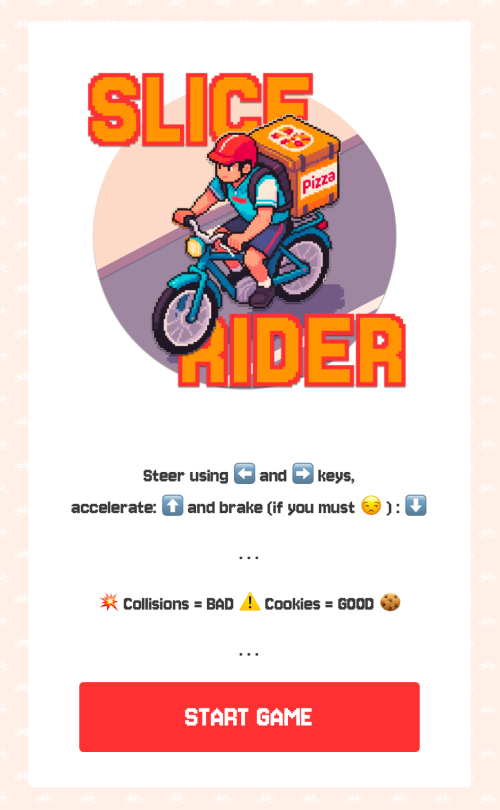
Slice Rider is a top-down arcade game around a pizza delivery cyclist dodging collisions with other riders and collecting cookies to stay alive. It runs entirely in the browser with no build step, no frameworks, and no external libraries — just plain HTML, CSS, and JavaScript controlling DOM elements on the screen.
I built it during the first module of the Ironhack web development bootcamp as a way to get comfortable with object-oriented JavaScript, DOM manipulation, and the event-driven programming model that makes browser interactivity work. The constraint of working without frameworks was intentional: every game mechanic, from collision detection to difficulty scaling, had to be implemented from scratch.
Simple mechanics, layered difficulty
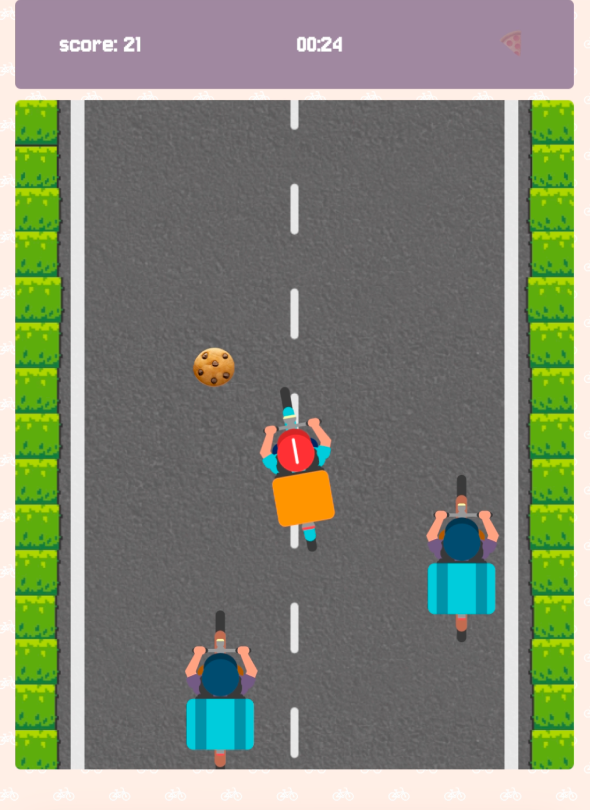
The game loop runs on setInterval at roughly 60 frames per second. The player steers with the arrow keys and the bike tilts visually into turns using CSS transforms. Oncoming riders spawn at the top of the screen and scroll downward against an animated road surface. Cookies appear occasionally on the road and can be collected for bonus points; picking one up at critically low health restores a life.
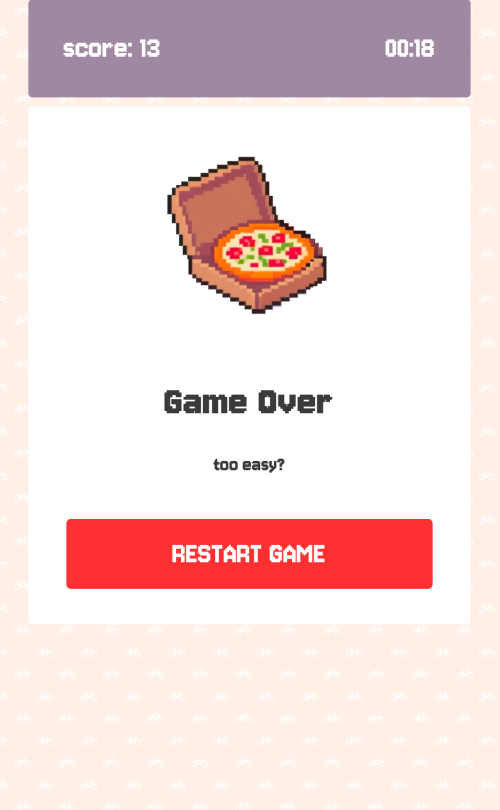
What keeps the game from feeling static is its difficulty curve. Obstacle spawn rates increase every ten seconds, ramping steadily over the course of a few minutes. A position-checking system prevents new obstacles from spawning on top of existing ones, so the road gets busier without becoming unfair. Lives are displayed as pizza slice emoji in the stats box, and the last remaining slice flashes as a warning before game over.
Everything is a positioned div
There's no <canvas> element or game engine involved. The road is a CSS background image animated with @keyframes. The player avatar, obstacles, and cookies are <img> elements positioned absolutely inside a 500 × 600 pixel container. Movement happens by updating left and top values on each frame; collision detection compares bounding rectangles via getBoundingClientRect(). The game's five classes (Game, Player, Obstacle, Cookie, and the input handler in script.js) each handle exactly what their name suggests.
This approach has its limitations, but that's the point. Working without a game engine or canvas API meant I had to appreciate what the browser is actually doing when something moves on screen: updating a style, triggering a repaint, drawing the next frame. It's a level of detail I had to learn to think at, and staying within the given constraints helped me enormously in understanding the fundamentals.
Designed for desktop, handled gracefully on mobile
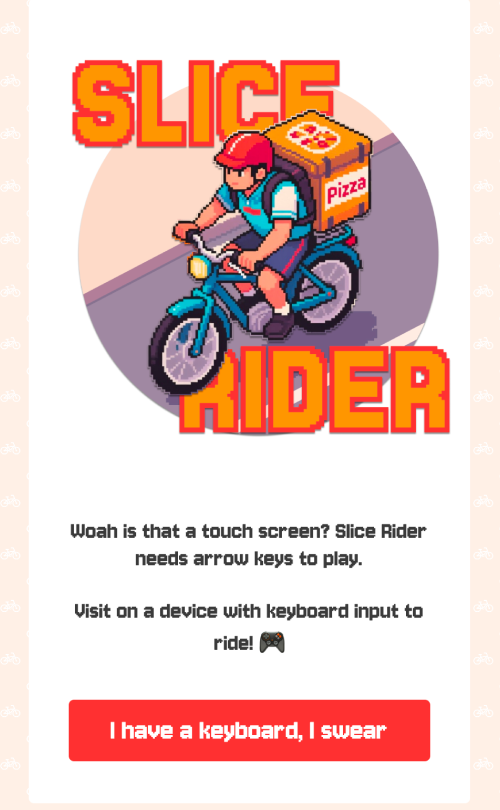
Slice Rider needs arrow keys to play, and there's no way around that without fundamentally reworking the input model. Rather than leaving mobile visitors with a broken experience or a game they can't interact with, the site detects touch-based devices through CSS media queries and shows a dedicated gate screen: the game's branding, a clear explanation of the keyboard requirement, and a bypass button.
The bypass is there for edge cases where the device triggers the gate but the user does have arrow keys available, such as on tablets with connected keyboards or touchscreen-enabled laptops. The splash screen, stats bar, and game-over screen are all responsive down to 375 pixels in width, so even mobile visitors who tap through from the gate see a polished layout along with a preview of the full experience.
Slice Rider was a first module project and a deliberate exercise in working close to the metal; the lessons learned in building it inform how I approach more complex systems today. If you're looking for someone who cares about how software works and how users will interact with it, let's talk. In the meantime, see how long you can stay on the road with a backpack full of pizza.